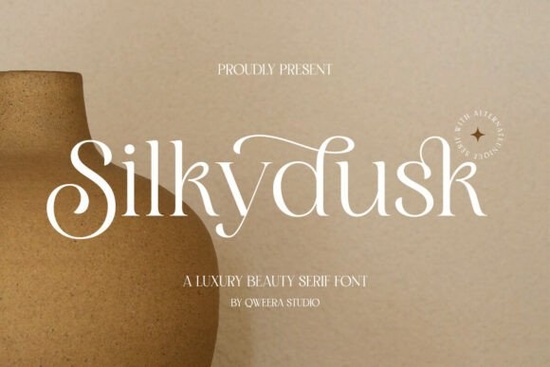
When building a high-end brand identity, the typography you choose sets the immediate tone. A refined typeface communicates quality before the customer even reads the message. The Silkydusk Font is a modern serif designed specifically for this purpose, offering smooth curves and delicate ligatures that fit perfectly into luxury minimalism. Whether you are designing a fashion label, crafting a boutique wedding invitation, or setting up a print-on-demand store, getting the letterforms right is essential for a premium look.
What makes a serif font work for luxury branding?
Luxury design relies heavily on balance, contrast, and whitespace. Unlike rougher typewriter-style serifs that give a rustic or vintage feel, a luxury serif keeps things polished and contemporary. Silkydusk achieves this through high contrast between thick and thin strokes, which is a hallmark of high-end fashion and cosmetic branding. The inclusion of graceful alternates allows designers to customize the flow of the text, making logos and headlines look custom-drawn rather than simply typed out. It shares some of the high-fashion appeal found in similar editorial serifs, but with a softer, more approachable touch for lifestyle brands.
How do you use alternates and ligatures in design software?
Many crafters and small business owners buy premium fonts but only use the default characters. To get the most out of this typeface, you need to access its OpenType features.
- Adobe Illustrator & InDesign: Open the Glyphs panel to manually swap default letters for stylistic alternates. You can also turn on Standard Ligatures in the Character panel to automatically connect specific letter pairs.
- Photoshop: Use the Character panel menu to enable ligatures and stylistic sets for your mockups and social media graphics.
- Canva & Cricut Design Space: These platforms have limited OpenType support. You may need to generate your text in a free tool like WordMark or a dedicated font generator, then upload the SVG to your crafting software.
Before finalizing your design, it is always a good idea to review the complete glyph gallery to ensure it has the specific swashes and characters your project requires.
Which projects are best suited for this typeface?
Because of its delicate strokes, this font is not meant for heavy body text or tiny footnotes. It performs best when given room to breathe.
- Wedding Invitations: The elegant swashes add a romantic, personalized touch to names and dates on cardstock.
- Product Packaging: Use it for the main brand name on cosmetic boxes, candle labels, or artisan coffee bags.
- Print-on-Demand Apparel: It works beautifully for minimalist tote bags and premium t-shirt designs where the text is the main focal point.
- High-End Logos: The balanced proportions make it a strong foundation for clean, modern wordmarks.
If your brand leans more towards classic heritage rather than modern minimalism, you might want to look at more traditional alternatives that feature heavier, more grounded letterforms.
What file formats do you need for web and print?
The download includes OTF, TTF, and WOFF files, each serving a different purpose for your workflow:
- OTF (OpenType Font): The best choice for professional design software like Adobe Creative Cloud. It supports all the advanced ligatures and alternates.
- TTF (TrueType Font): Ideal for basic word processors, standard crafting software, and general desktop use.
- WOFF (Web Open Font Format): Essential if you are a web designer or small business owner building a custom Shopify or WordPress site. It ensures the font loads quickly and displays correctly across different browsers.
Next steps for your typography project
- Install the OTF file if you are using Adobe software to ensure all ligatures work properly.
- Test your logo at different sizes to make sure the thin strokes do not disappear when scaled down for business cards or social media profiles.
- Pair it with a clean sans-serif for your body text to maintain readability and keep the visual hierarchy clear.
- Check multilingual support if your brand operates in multiple regions, ensuring all necessary accents and special characters are included.
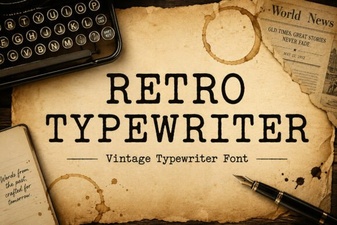 Craft Vintage Documents with a Classic Typewriter Font
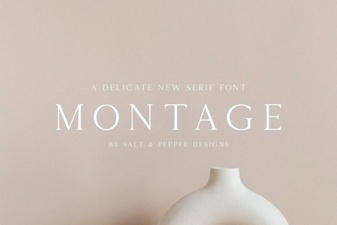 The Montage Font for Creative Typography Projects
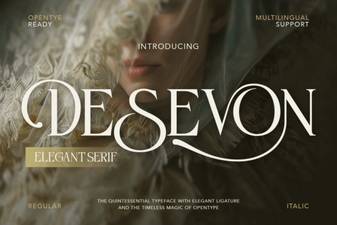 Unlock Creative Projects with Desevon Font
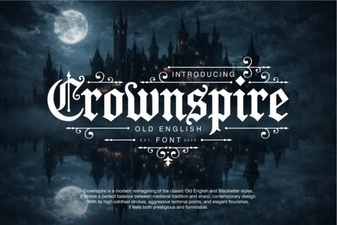 Crownspire Font: Creative Typography Projects
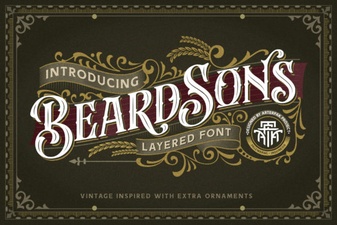 Beardsons Font: Modern Display for Creative Projects
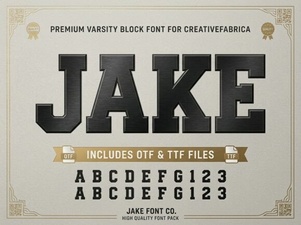 Unleash Creativity with the Jake Font Style