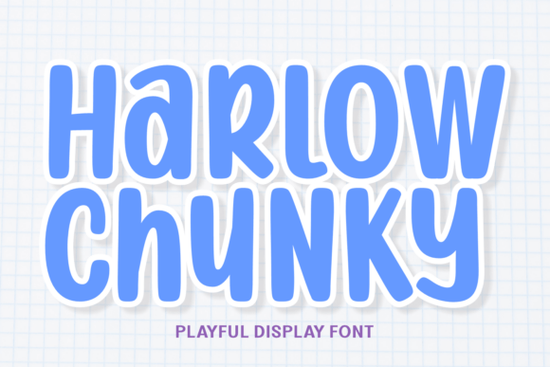
When designing for children’s products, summer camps, or playful branding, finding the right typography can be tricky. You need something bold but friendly. The Harlow Chunky Font solves this by offering a thick, sticker-like offset and soft rounded edges. It brings a candy shop vibe to your projects without sacrificing readability, making it a solid choice for print-on-demand sellers and digital crafters who want their designs to stand out on busy backgrounds.
What makes a display font work for children's branding?
Kids' branding relies on bright colors, geometric shapes, and a genuine sense of fun. A heavy-duty typeface needs to hold its visual weight while remaining approachable and easy to read. This specific typeface uses a multi-colored scheme intertwined with hand-drawn sparkles to create a youthful, energetic feel. The built-in white border mimics a die-cut sticker, which saves you a significant amount of time during the design process. Instead of manually adding offsets and drop shadows in Illustrator, Procreate, or Canva, the effect is already baked directly into the letterforms. Reviewing the complete character map will help you see all the available sparkles and alternate glyphs before you start your layout. This is especially useful for creating digital planner stickers, toy line packaging, or casual gaming interfaces where a playful, maximalist trend is highly effective. The clear legibility ensures that even younger audiences can easily read the text.
Where should you use bubbly, maximalist typography?
Thick, rounded letterforms are highly versatile for casual and youth-oriented mediums. If you are designing YouTube thumbnails, the bold lines ensure your text remains perfectly legible even when scaled down on mobile screens. It also works beautifully for birthday party invitations, school event flyers, and summer camp merchandise. Print-on-demand sellers will find it particularly useful for kids' apparel, tote bags, and mugs, where the thick strokes translate well to direct-to-garment printing and sublimation.
Sometimes, a single typeface isn't enough for a full, cohesive brand kit. If you need a softer, more relaxed vibe for a secondary project or a different product line, the Coastal Delight font offers a relaxing alternative, or you can browse more similar breezy typefaces to balance out the heavy visual weight. Alternatively, for a more feminine and elegant touch in your boutique product lines, Hello Angela provides a beautiful contrast, and you can find more elegant script options in the same category to pair with the chunky, geometric shapes.
How do you pair heavy display fonts with other styles?
Because this typeface has such a strong, heavy-duty personality, it should always be the star of your design. Avoid using it for long paragraphs, fine print, or dense body copy. Instead, pair it with simple, clean sans-serif fonts for your secondary text to let the main heading shine.
If your project requires a structured, editorial look for the supporting text, Magazine Design will keep the layout grounded, alongside other clean editorial typefaces that maintain a professional feel. On the other hand, if you want to maintain a highly stylized, artistic feel throughout the entire design, incorporating Motcha for small accents, price tags, or signatures adds a personal touch, much like other unique handwritten styles that do not compete for the viewer's attention.
How do you prepare chunky fonts for print and cutting machines?
Before sending your designs to a print-on-demand partner or running them through a Cricut or Silhouette machine, make sure your files are properly set up to avoid production errors.
- Convert to outlines: Always convert your text to paths or outlines before sending files to a commercial printer to avoid missing font errors and shifting layouts.
- Check the offset boundary: Since the sticker border is built-in, ensure your cutting software recognizes the outer white edge as the primary cut line, rather than the inner colored letters.
- Adjust manual tracking: Display fonts often need manual kerning. Adjust the spacing between letters so the thick strokes and sparkles do not overlap awkwardly when scaled up.
- Test on dark backgrounds: The white border helps the text pop, but always verify the contrast on your final printed material or dark mode digital screens before finalizing the file.
- Flatten for sublimation: If you are printing on dark garments using sublimation, flatten the design with a transparent background to ensure the white offset prints correctly as part of the graphic.
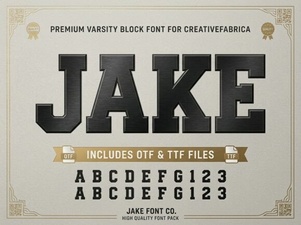 Unleash Creativity with the Jake Font Style
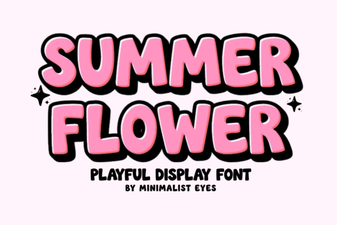 Designing with Summer Flower Fonts: Styles & Projects
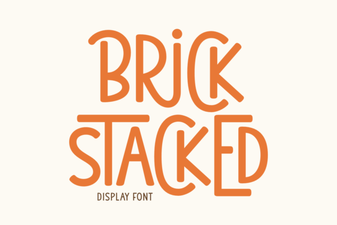 Building a Stacked Brick Font
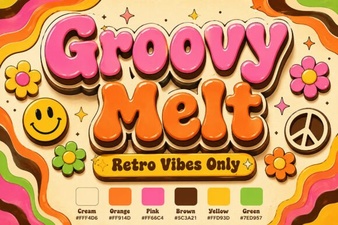 Groovy Melt Font: for Creative & Playful Designs
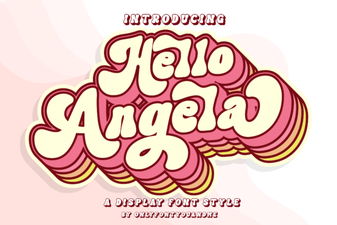 Hello Angela Font: Elegant & Creative Lettering
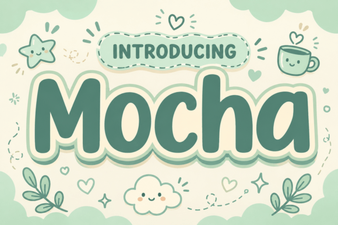 Motcha Font: a Creative Typography Guide