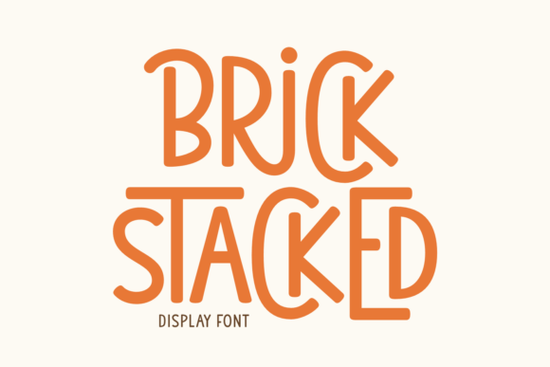
Finding the right typography for playful projects can be tricky. You need something bold enough to read from a distance but friendly enough to feel approachable. The Brick Stacked Font solves this by combining thick, blocky letters with a bouncy, cartoon-like baseline. It is a highly versatile display typeface built for crafters, small business owners, and hobbyists who want their text to stand out without looking overly rigid. Whether you are designing merchandise or making party favors, this lettering brings a warm, festive energy to the page.
What makes a good display font for Cricut and crafting?
When cutting vinyl or iron-on transfers, thin lines and tight spaces often cause tearing or weeding nightmares. This typeface features a uniquely outlined design with thick strokes, making it incredibly forgiving for beginners and fast for production. The bold blocks hold together well on cutting mats, whether you are making summer stickers or intricate t-shirt designs. The heavy weight of the letters ensures that your weeding tools can easily grab the excess material without ripping the delicate inner loops. If you are looking for something with a slightly more relaxed, handwritten feel for your next craft project, you might also enjoy exploring the casual brush styles in Jake to mix up your visual texture.
How can print-on-demand sellers use bouncy typography?
Merch buyers usually look for designs that are easy to read and visually fun. A bouncy aesthetic mimics the joyful outbursts of a cartoon, which naturally draws the eye on a crowded marketplace. You can use this lettering for vivid comic covers, playful logo designs, or memorable posters. Because the letters are thick, they print beautifully on dark fabrics and matte paper, ensuring your message pops. For sellers focusing on seasonal apparel or spring collections, pairing this bold style with a delicate botanical typeface like Summer Flower creates a nice contrast that appeals to a wider customer base and softens the overall layout.
Which projects work best for school and kids' themes?
Educators and parents often need typography that sparks interest without looking too childish. The school-appropriate bounce of this lettering fosters learning in a fun way, making it ideal for classroom banners, reading charts, and children’s birthday party invitations. It radiates a festive cheer that works perfectly for holiday themes, spelling bees, and school fundraisers. When designing educational materials, keeping the text legible is the top priority, and the wide stance of these characters helps young readers decode words easily. If your project requires a more fluid, retro vibe for a high school event or a yearbook cover, checking out the wavy retro letters in Groovy Melt could give your posters a completely different, nostalgic energy.
How do you pair playful fonts with other styles?
Mixing typefaces is essential for creating balanced layouts, especially in farmhouse-style décor or modern planners. Since this font is quite loud and takes up a lot of visual space, it works best as a header, a short quote, or a main title. Let it be the life of the party on the page, and use a simple, clean sans-serif for the body text. This keeps your coherent readability intact while letting the main message shine. For coastal or beach-themed projects, you might want to contrast these heavy blocks with the breezy, relaxed vibes of Coastal Delight to keep the design feeling light and airy. You can always review the specific styling details and character maps for Brick Stacked to see how the alternate glyphs fit into your layout.
Quick setup tips for your design software
Before you start typing, run through this quick checklist to get the best results in Procreate, Illustrator, or Cricut Design Space:
- Enable OpenType features: Turn on alternates and ligatures if your software supports it to give your text a more custom, hand-lettered look.
- Adjust kerning manually: Bouncy fonts often have uneven spacing by default. Nudge the letters closer together so they overlap slightly, which creates a more cohesive word shape.
- Convert to outlines: Before sending your file to a printer or cutting machine, convert your text to paths or outlines to prevent any missing font errors.
- Test a small cut first: If you are using a Cricut or Silhouette, cut a single word on scrap vinyl to check the weeding process before committing to a large batch.
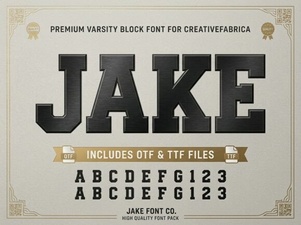 Unleash Creativity with the Jake Font Style
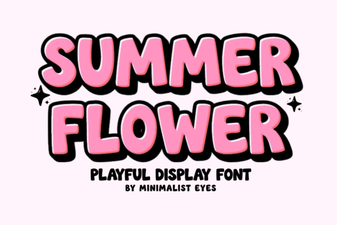 Designing with Summer Flower Fonts: Styles & Projects
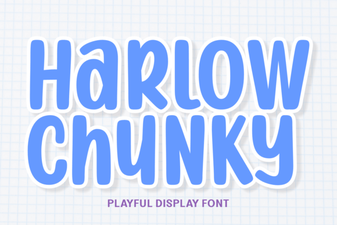 Harlow Chunky Font: Bold Typography Projects
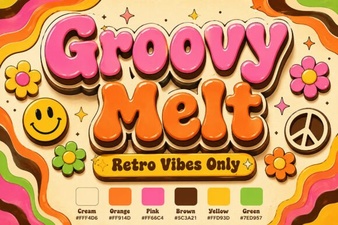 Groovy Melt Font: for Creative & Playful Designs
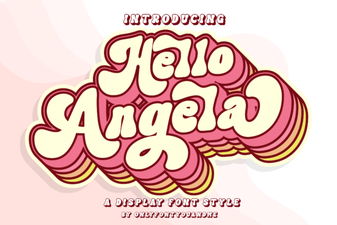 Hello Angela Font: Elegant & Creative Lettering
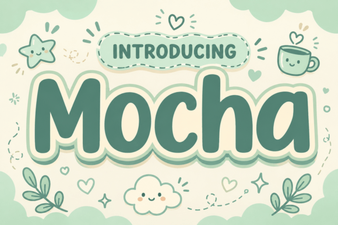 Motcha Font: a Creative Typography Guide