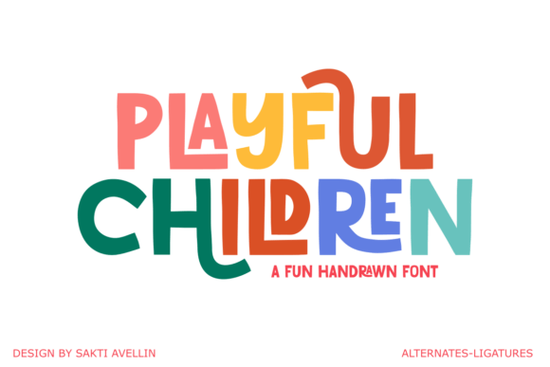
Finding the right typography for kids' products can be tricky. You want something readable but still full of personality. The Playful Children font solves this by blending organic, handcrafted letterforms with a vibrant, artistic flair. Whether you are designing a logo for a local daycare, creating print-on-demand baby apparel, or making birthday invitations, this typeface brings a cheerful energy to your projects. It captures a child's imagination without looking messy.
What makes this typeface work for kids' branding?
When designing for a younger audience, standard sans-serif fonts often feel too rigid. This display font uses uneven baselines and rounded strokes to mimic the natural, slightly imperfect way kids draw. It feels approachable and friendly. If you are working on branding for a kindergarten, a toy store, or a baby clothing line, the letterforms act as a visual cue that your brand is fun. It pairs beautifully with structured typefaces if you need to balance the layout, much like how you might use a chunky retro style for a contrasting subtitle.
Where does this font perform best in print and merchandise?
Beyond logos, this typeface is highly versatile for physical products. Print-on-demand sellers and small craft businesses will find it useful for items that need a quick visual hook. Because the characters have built-in personality, you do not need complex illustrations to make the design pop.
- Apparel and Accessories: It looks great on t-shirt headers, canvas tote bags, and enamel pins.
- Packaging: Use it on snack wrappers, milk cartons, or gift boxes to make the product stand out on a retail shelf.
- Room Decor: It translates perfectly to wall decals, wooden name signs, and nursery art prints.
When working on educational materials like classroom posters, the friendly shapes help keep children engaged. If your project requires a structured look for the body text, browse a clean editorial layout option to handle the smaller paragraphs.
How do you pair it with other fonts?
Pairing a highly stylized font requires balance. Since the characters have a lot of personality, you want your supporting fonts to be simple. For a summer camp flyer, you could use a bright floral-inspired script for a secondary accent, keeping the main headline in our featured typeface.
If you are designing a retro-themed party invitation, mixing it with a melted retro display creates a fun, nostalgic vibe that appeals to parents. Alternatively, for a building-block aesthetic, a stacked block letter works wonderfully for bold numbers on a birthday banner.
What software and file formats do you need?
Before designing, ensure your software supports custom typography. Programs like Adobe Illustrator, Canva, and Cricut Design Space handle custom fonts well. You will typically get OTF and TTF formats, which install directly into your system folder.
If you use a cutting machine for vinyl decals, remember to weld or combine the letters if they overlap. This ensures the machine cuts the word as a single, clean shape.
Quick checklist before you export your design
- Check readability: Ensure words are easy to read from a distance, especially on packaging.
- Adjust kerning: Handcrafted fonts sometimes need manual spacing adjustments between specific letter pairs.
- Test print: Always print a small physical proof to see how ink handles the delicate edges.
- Weld for cutting: If using a vinyl cutter, flatten the text layer before sending it to the machine.
Take time to experiment with different color palettes. Bright, saturated colors usually work best with this style, highlighting the joyful nature of the letterforms.
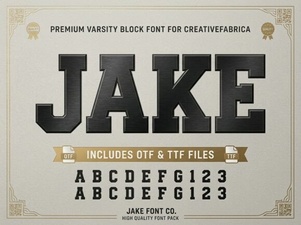 Unleash Creativity with the Jake Font Style
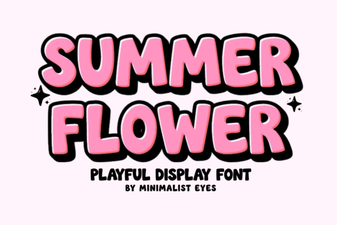 Designing with Summer Flower Fonts: Styles & Projects
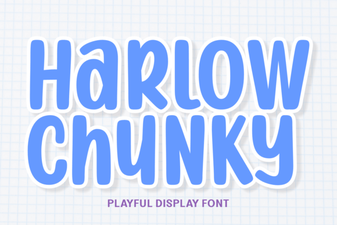 Harlow Chunky Font: Bold Typography Projects
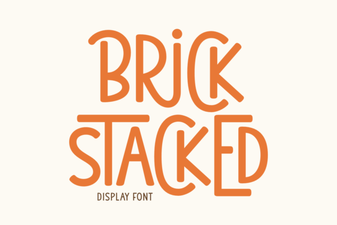 Building a Stacked Brick Font
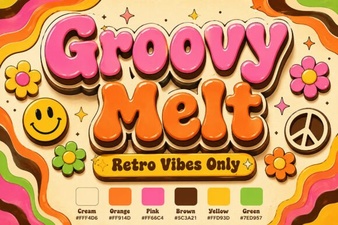 Groovy Melt Font: for Creative & Playful Designs
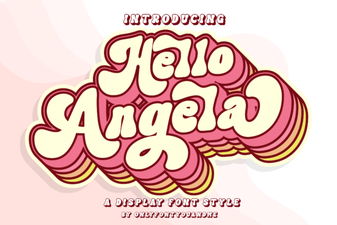 Hello Angela Font: Elegant & Creative Lettering